Before going any further, this guide is only for educational purposes. Emulators are excellent to preserve games and are completely legal. But in order to use them always dump the BIOS and game files from your own system. We DO NOT support piracy.
Best Low-End PC Emulators
The 5 Best Emulators for Low-End PCs are:
- Bluestacks – Android
- Nestopia – NES
- Fusion – Genesis
- Snes9x – SNES
- ePSXe – PlayStation 1
The best part about all of these emulators is they are free.
Bluestacks
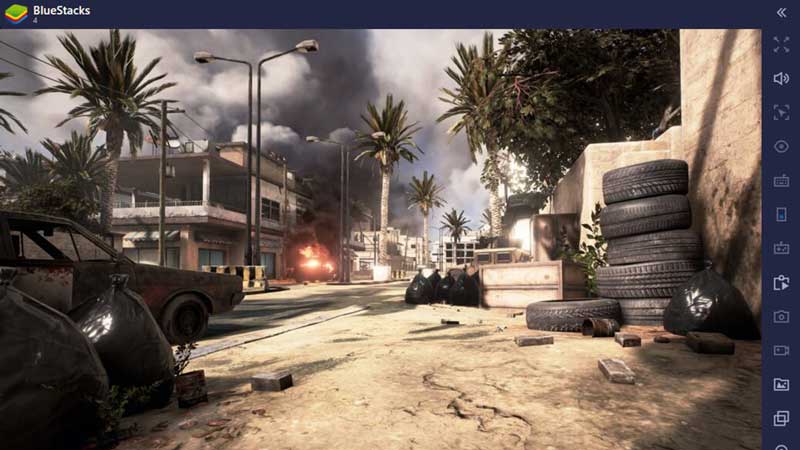
Bluestacks is hands down one of the best Android emulators available for PC right now. The emulator’s minimum requirements are:
- OS: Windows 7 or above
- RAM: 4GB
- Storage: 5GB
- Processor: Most Intel or AMD processors work
- Lastly, you should have your drivers up to date with their latest version.
But enough about its minimum requirements, this emulator is excellent to run very simple games like Angry Birds, Temple Run, and Jetpack Joyride. All the way up to MOBA and Battle Royale games like Mobile Legends, Arena of Valor, PUBG, Call of Duty Mobile, and more. But for heavier games, it is better if you have slightly better specs or you could also lower the in-game settings from the emulator.
Nestopia
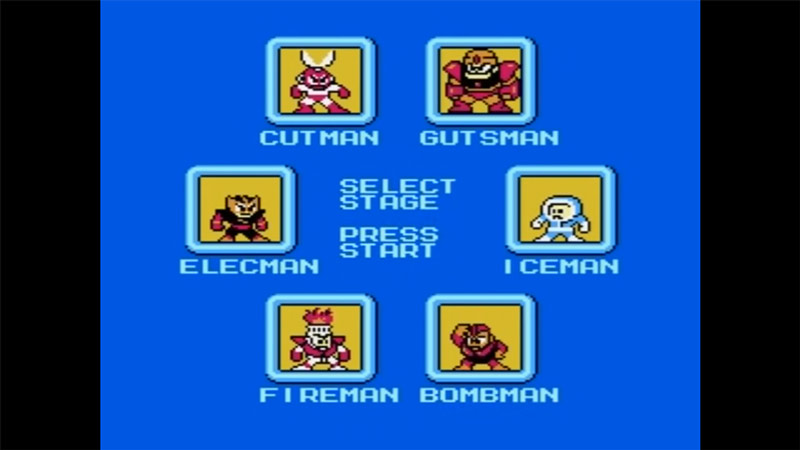
Speaking of older games for most of us our first gaming console or experience with gaming was NES. It had all the classics like Super Mario Bros, Contra, Castlevania, Excitebike, Megaman, etc. I could go on and on with this list because that console had a plethora of great games. And what better thing to do than relive them with the help of Nestopia?
The minimum requirement for this emulator is you just need an 800 MHz processor. You don’t even need any specific graphics card on your system to run its games.
Fusion
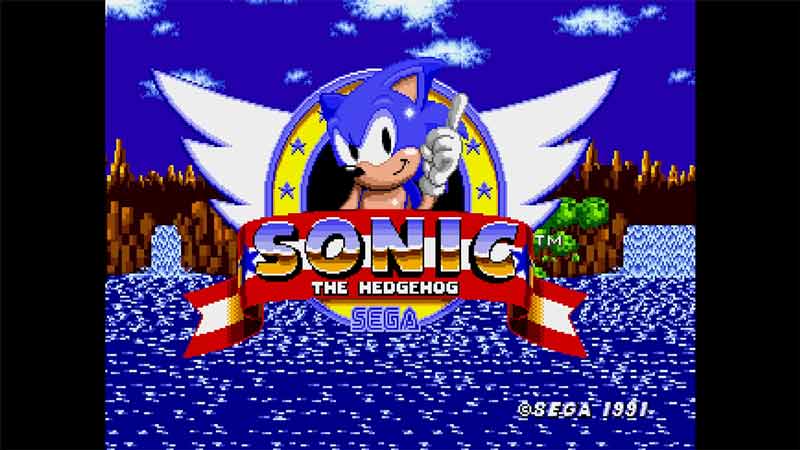
Fusion is an emulator for the Sega Genesis. It is mainly famous for it but you can also emulate the following systems on it: Sega SG1000, SC3000, Master System, Game Gear, Genesis/Megadrive, SegaCD/MegaCD, and 32X.
So if you ever wanted to replay classics like Sonic the Hedgehog, Contra Hard Corps, Golden Axe 2, Streets of Rage 3, Ecco the Dolphin, Castlevania Bloodlines, and more. This emulator has you covered.
Snes9x
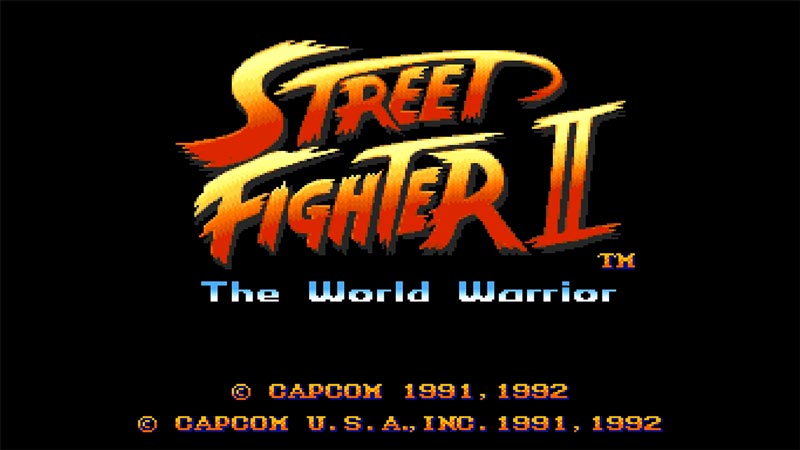
Going back to the old days of Nintendo Vs Sega. If Fusion is the emulator for Sega Genesis, then there is Snes9x for the SNES. Much like the other emulators, there are barely any requirements you need to run this emulator. It needs your system to have at least:
- 300MHz processor (1GHz and above is recommended for the best experience)
- 16 MB RAM
And if your system supports it (which it most likely will), you can play some of the best games like Super Metroid, Super Mario World, Mortal Kombat 2, Street Fighter 2, Legend of Zelda: A Link to the Past, and more.
ePSXe
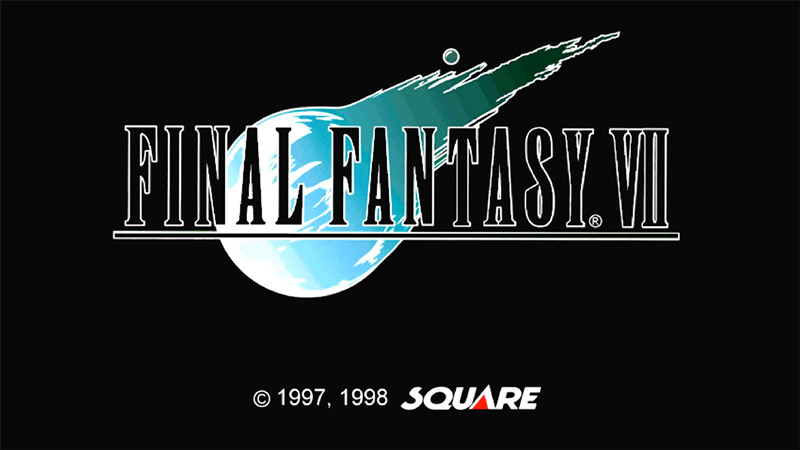
Finally, the last emulator on this list is one for the original PlayStation. Compared to the three emulators mentioned above. ePSXe does have some requirements for you to be able to use it properly. Although if you are able to use Bluestacks comfortably then you most likely won’t have to worry about the requirements of this one. To use ePSXe your system should have:
- Processor: Intel Pentium 200 MHz (recommended is 1 GHz)
- RAM: 256MB RAM (512MB RAM would be better)
- Graphics card: A decent graphics card that supports OpenGL or DirectX.
Once you set it up you are good to play games like Final Fantasy VII, Metal Gear Solid, Resident Evil 2, Diablo, Chrono Trigger, and other classics.
With these emulators, you can still have a lot of fun even on a low-end system. If you enjoyed this list I suggest you check out our Features section. Here you can find other recommendations for the best games of different genres, on different platforms, and more.