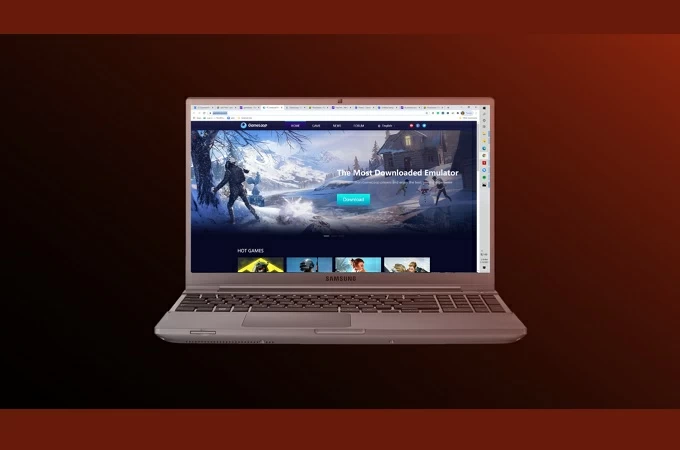
How To Play Free Fire On Pc

How to Play Free Fire on PC


Free Fire is a 10-min survival shooting game that you can play on your mobile device. You can create a squad of 4 players and communicate with the team in the entire game. While most gamers preferred playing it on PC instead of using their mobile devices for a better visual experience. So, we listed some of the best ways for you to play Free Fire on PC.

Download

Best Ways to Play Free Fire on PC

ApowerMirror

The first tool on the list is ApowerMirror. This multi-tasking and multi-platform app allows you to mirror your phone to a PC or TV. More than that, you can also control the game you are playing by using the controls built-in ApowerMirror. Meanwhile, here is how to play Free Fire on PC using this tool.

  • Downloand and install ApowerMirror on your phone and PC .

     Download

  • Connect your phone to PC either via Wi-Fi or use a USB cable. It is advisable to use a USB cable to connect as the connection will be more stable.
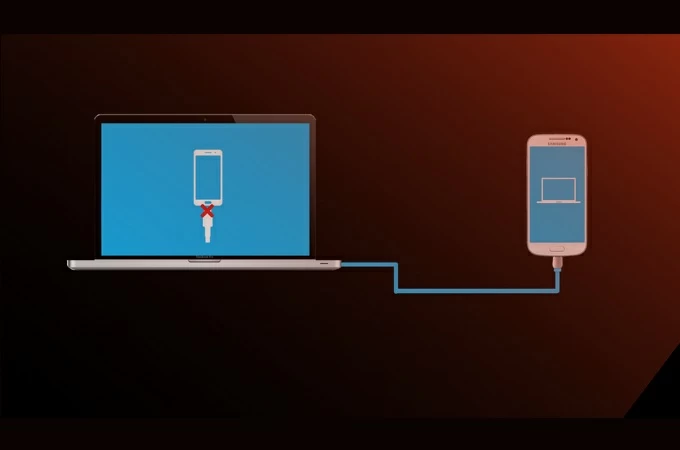
    connect devices
  • Once the phone is detected, you will see a window pop-up on your phone.
  • Tap Start now and the reflecting will begin.
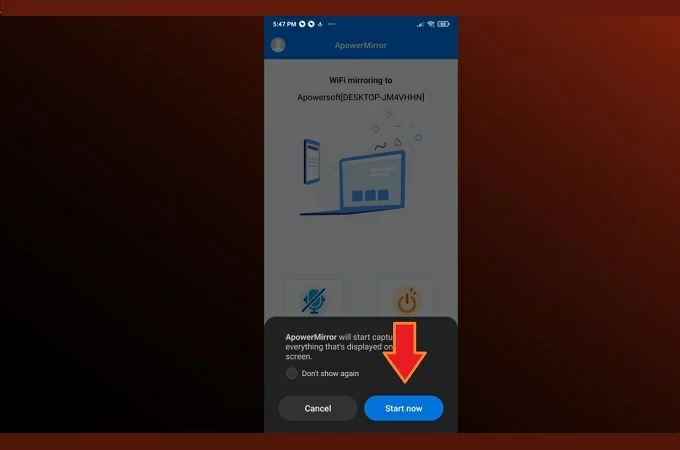
    start now
  • To use the controls, click on the keyboard icon on the right toolbar. From there set up the joystick and the keyboard control. Do not forget to click the save button to apply the changes you have made.

BlueStacks
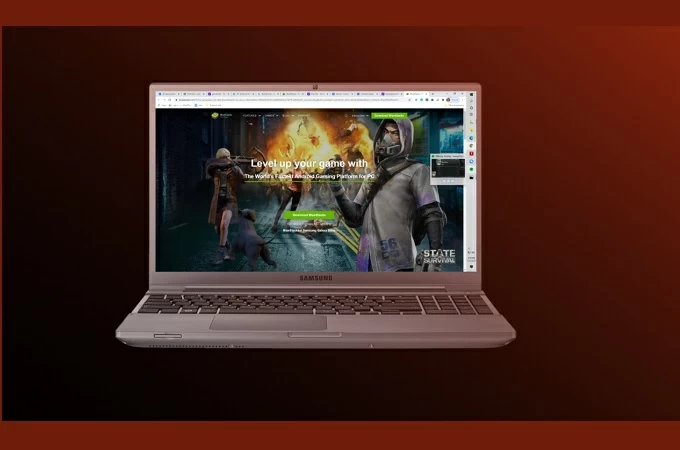
bluestacks

Another way to download Free Fire for PC is BlueStacks. Since it is an Android Emulator, it is a good option that gamers usually consider as it maximizes mobile games on PC and you’ll get a better experience. However, you have to make sure your PC is running the latest and one of the highest PC specs to avoid lags. To run Free Fire on PC using BlueStacks, simply follow the steps below.

  • Download and install BlueStacks from its official website.
  • Launch BlueStacks. Find the Play Store and associate your Google account to download the game Free Fire.
  • Open it afterward, and you can start playing the game.
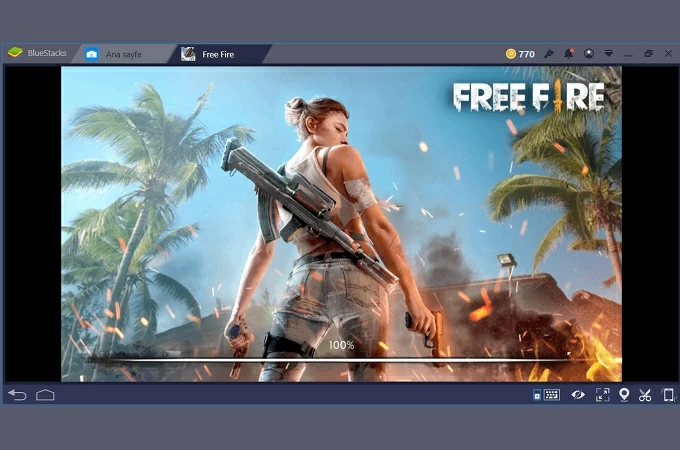
    free-fire

GameLoop

gameloop

Finally, we have GameLoop. It is also an Android Emulator that can help you play Free Fire for PC without BlueStacks. BlueStacks supports most of the gams you can think of, but GameLoop was developed to cater to specific games that are not available in other countries and other emulators. That is why we added this tool to the list. Follow the guidance below to use this app.

  • Download and install GameLoop.
  • There are some games pre-installed, check if the game Free Fire is there. If not, search and download the game in the Play Store.
  • Then launch the game and start playing the game.
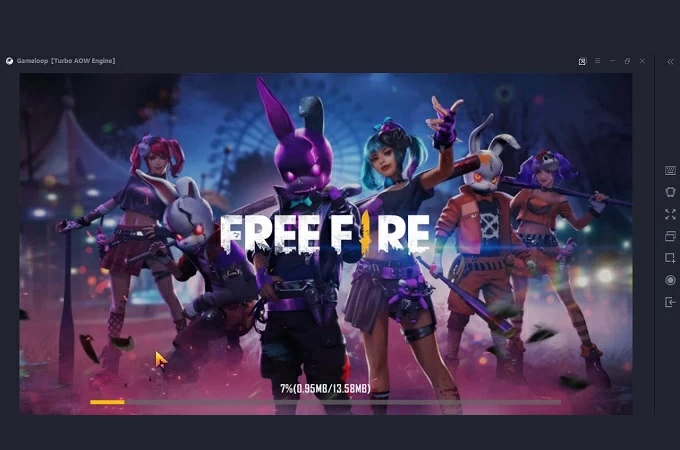
    gameloop-main-interface

Conclusion

All of the options written are best. Now you can play Free Fire on PC with or without an emulator. ApowerMirror is a good tool; using it, you can still play with your friends without changing accounts but with a better visual experience. If you do not prefer using an Emulator, try ApowerMirror.

Comments

Popular posts from this blog

Best tips for growing instagram with freelancing

  🚀 1. Opti mize Your Profile for Clients Your Instagram bio is your digital business card . Make it instantly clear what you do and for whom . ✅ Profile checklist: Name: Include your skill (e.g., “Ali | Graphic Designer”) Bio: Add a clear value line → “I design modern logos for startups 💼” Link: Use Linktree or your portfolio site Highlight covers: “Work”, “Clients”, “Process”, “Reviews” 💡 Pro tip: Use a professional profile picture — bright, clean, smiling face or your brand logo. 🎨 2. Post Content That Shows Skill You’re not an influencer — you’re a problem solver . Show what you can do, not just what you’ve done. Content ideas that attract clients: ✅ Before & after transformations (design, editing, writing) ✅ Short tutorials (“3 Canva Tricks for Beginners”) ✅ Client feedback screenshots ✅ Time-lapse or process videos ✅ Portfolio carousels (“5 Logo Designs for Tech Brands”) 💡 Pro tip: Always add a short caption with value...

Best Business logos

  Best Business logos with high RESOLUTION The best business logos strive to act as a brand’s calling card, its face, the way it greets and interacts with the world. Whether you’re planning to launch an entirely new business venture or you’re retooling an existing business, your business logo should be front-and-center in design development. You may think your business is too small to benefit from a professionally designed logo, but every business needs a great-looking logo, no matter its size. Your logo is a major component of your branding. It’s your one shot at a good first impression and if done well, your logo will be at the forefront of your small business’ success for years to come—so it’s worth investing in. Ready to see the ways your business can stand out from the crowd? In this article we’ll walk you through the main considerations and show you some of the best business logo ideas to inspire you. Subscribe My Youtube Chaneel : https://www.youtube.com/@BAQGAMERS/vide...

BEST Android Emulators for Low End PC (2024)

  8 BEST Android Emulators for Low End PC (2024)                                                   An emulator is software used to run another device as a virtual machine on a device. Usually, Emulators are used for   software testing, running non-native games, and running different operating systems . People face issues with emulators, such as poor performance, improper rendering, compatibility problems, and stability issues. That’s why it’s important to choose from the best emulators for low-end PCs. We spent countless hours researching and evaluating top emulator apps specifically for low-end PCs. Our in-depth review of all tools made us wise enough to better understand your needs. We want to provide you with the best possible experience through  unbiased analysis of top picks  for emulators for low-end PCs. Let’s start with our review, w...